v1.0 - iPhone & Apple Watch

Today's lift target.
Without the spreadsheet.

SetCue holds your split, calculates the target weight, and quietly handles progression. The whole training session, in one glance.

  • Free, no account
  • Local-first, no analytics
  • iPhone + Apple Watch
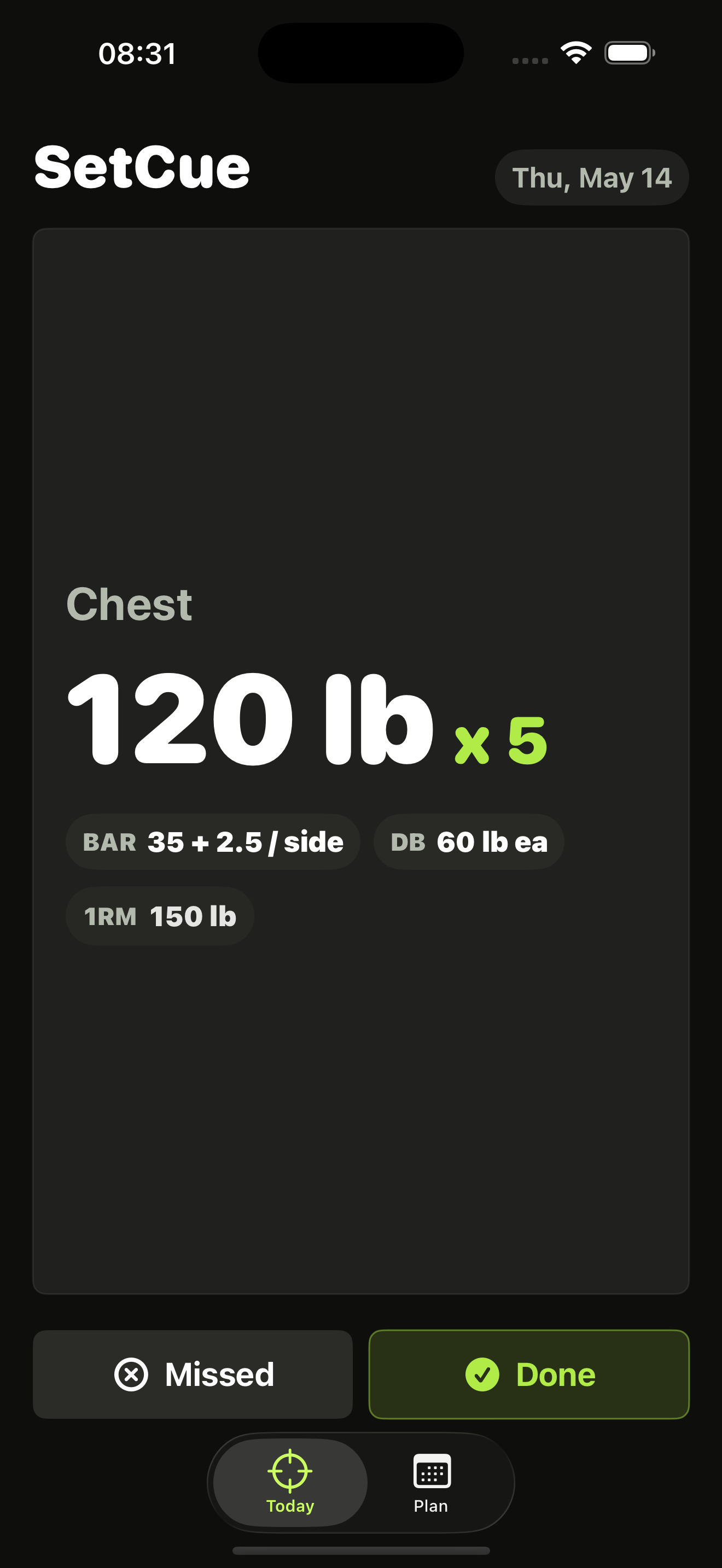
SetCue Today screen: Chest, 120 lb x 5, with bar and dumbbell loading hints.
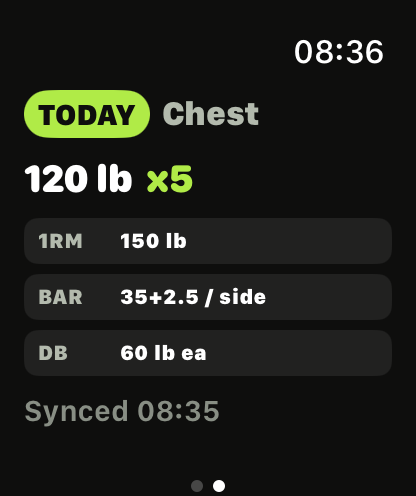
SetCue on Apple Watch showing Today, Chest, 120 lb x 5.
Built for experienced lifters

One screen. One target. Train.

SetCue respects that you already know the movements. It keeps the math and schedule out of your way.

Today

The target, hero-sized.

Open SetCue and see the only thing that matters: today's split, the working weight, and the rep target. No log, no rest timer, no streak. Just the number to load.

  • Top-set target with rep callout
  • Bar plates, dumbbells, 1RM at a glance
  • Done and Missed inline
SetCue Today screen showing 120 lb x 5 Chest target.
Plan

A week. In about a minute.

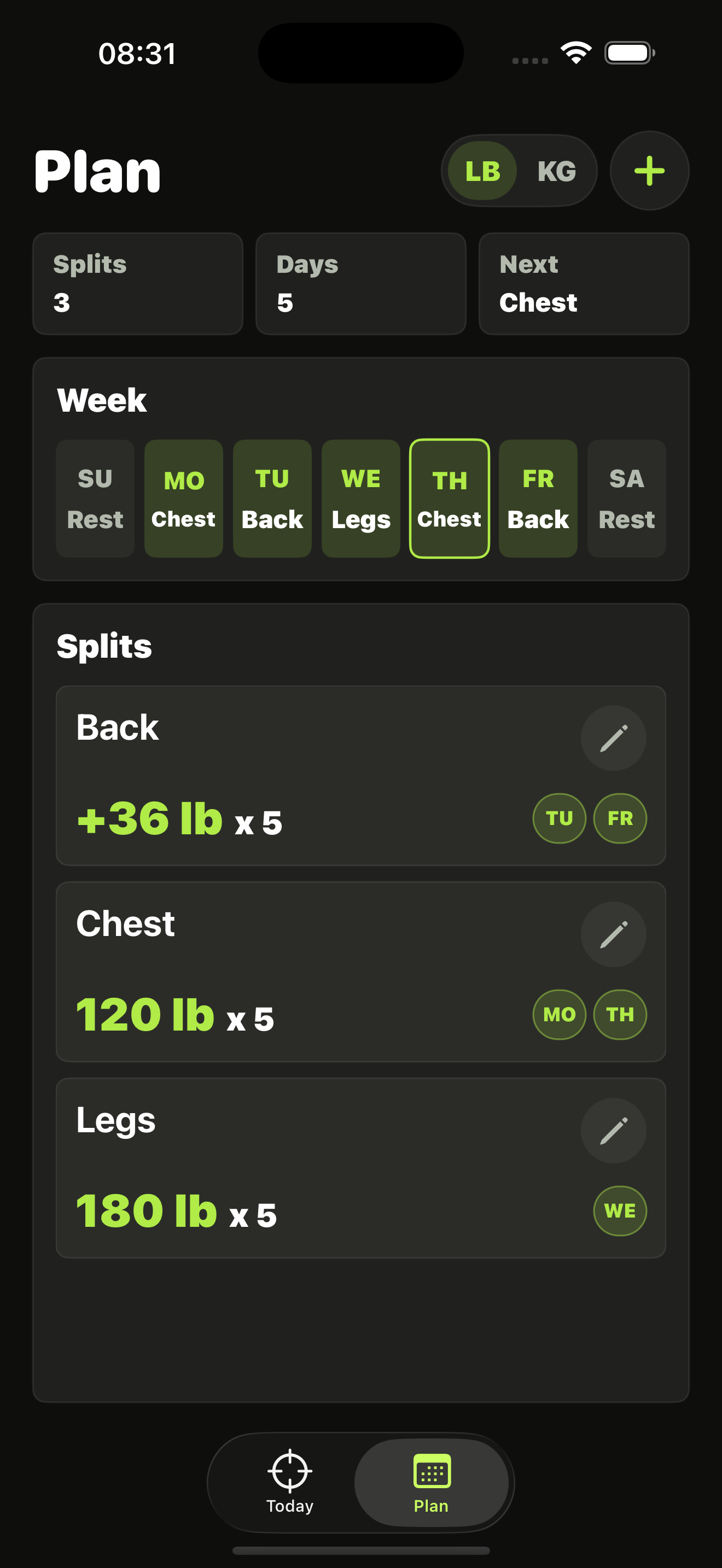
Drop your splits onto the days you train. Rest days stay quiet. Change a split's working weight, set rep rotations, or switch units between LB and KG - the rest of the week snaps into place.

  • Splits on any weekdays
  • LB / KG per split
  • Edit any future day
SetCue Plan screen with three splits and a weekly schedule.
Outcome

Finished as planned. Or not.

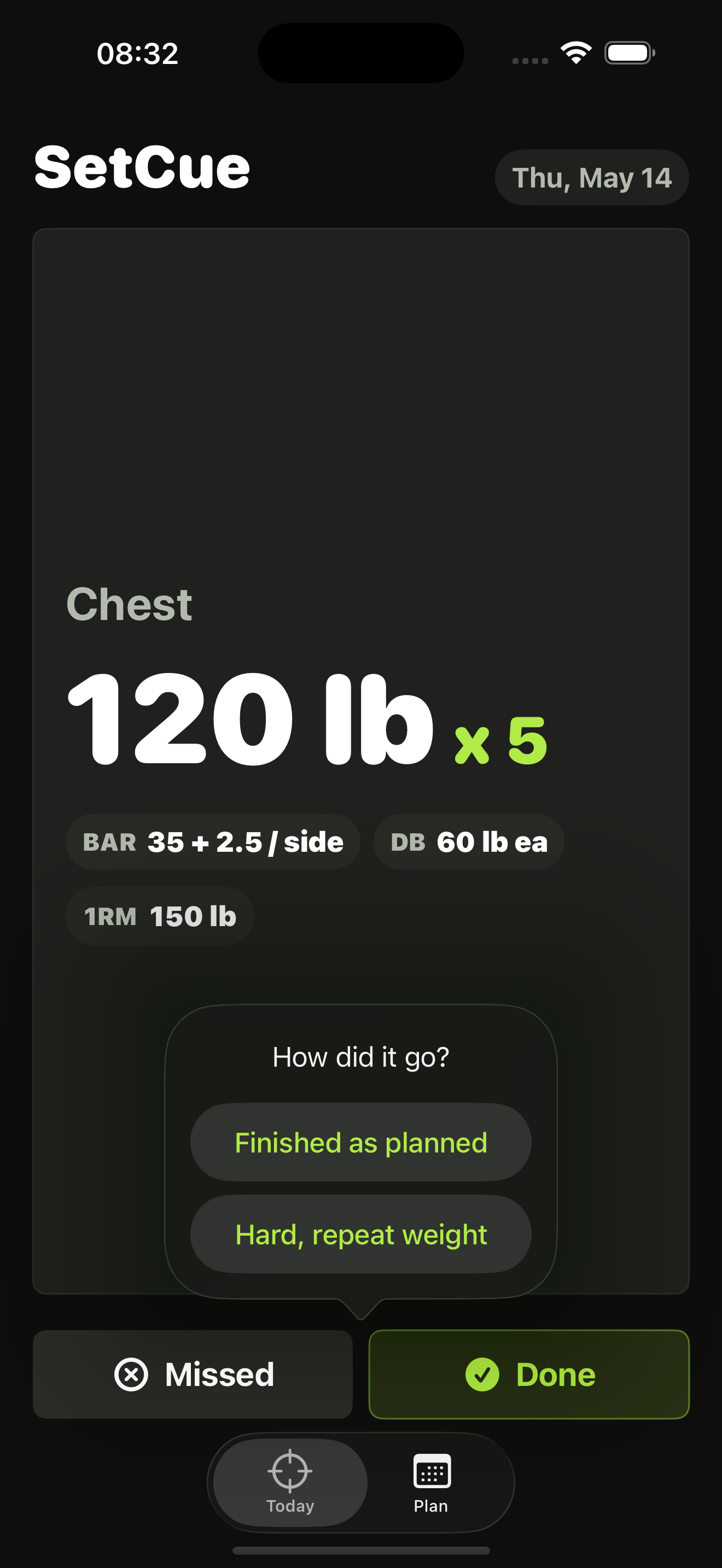
Tap Done, then pick the truth: finished as planned, or hard. Hard rotates reps. Done bumps Training Max. Missed repeats. SetCue handles the math. You just lift.

  • Two-tap log, no forms
  • 5 / 8 rep rotation
  • Practical plate rounding
SetCue outcome prompt: Finished as planned, or Hard.
Earned progress

Well done.

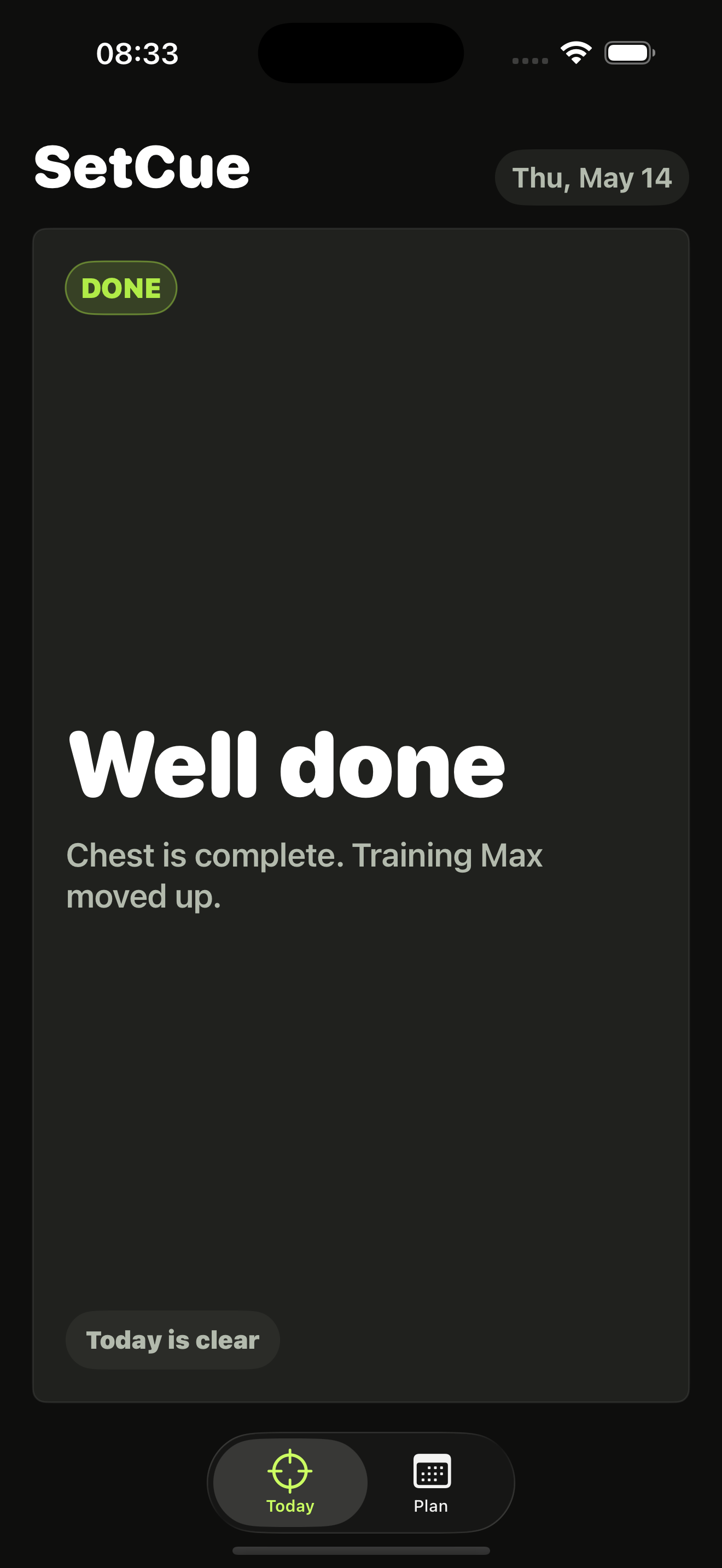
A quiet completion state, not a confetti animation. Training Max moves up only when it earns it - so the next session asks for a target you can actually hit.

  • Conservative TM progression
  • "Today is clear" rest state
  • No notifications, no streaks
SetCue completed state: Well done. Chest is complete.
Apple Watch

On your wrist.
Between sets.

SetCue lives on Apple Watch too. Glance at the target without unlocking your phone - loading hints, 1RM, and rep target, same data, smaller surface.

  • Live target from iPhone
  • Loading hints for bar and DB
  • Synced over the watch link
Home Screen widget

A widget you'll actually use.

Pin SetCue to your Home Screen. The widget shows today's split, target, reps, and load hint without launching the app. Glance before the gym, lift when you arrive.

Setup

Set it up once. Check it in a second.

SetCue starts from a working set you are actually doing now, then handles the target math.

  1. 01

    Create your split

    Name the split, choose total or added load, and add the weekdays it belongs to.

  2. 02

    Enter today's working set

    Use a real set like 120 lb x 5. SetCue estimates Training Max from the rep table.

  3. 03

    Train, then mark the outcome

    Done moves Training Max up. Hard rotates reps without adding load. Missed repeats.

Privacy

Private by default, simple on purpose.

The current app is designed for local device storage, with an app group only so the Home Screen widget can show your target. No account, no ads, no social feed, no third-party analytics.

Lift today. SetCue handles tomorrow.

Free on the App Store. iPhone and Apple Watch.

Download on the App Store